在React 中安装和配置 shadcn/ui
1. 创建 React 项目
pnpm create vite@latest .
- 选择模板:
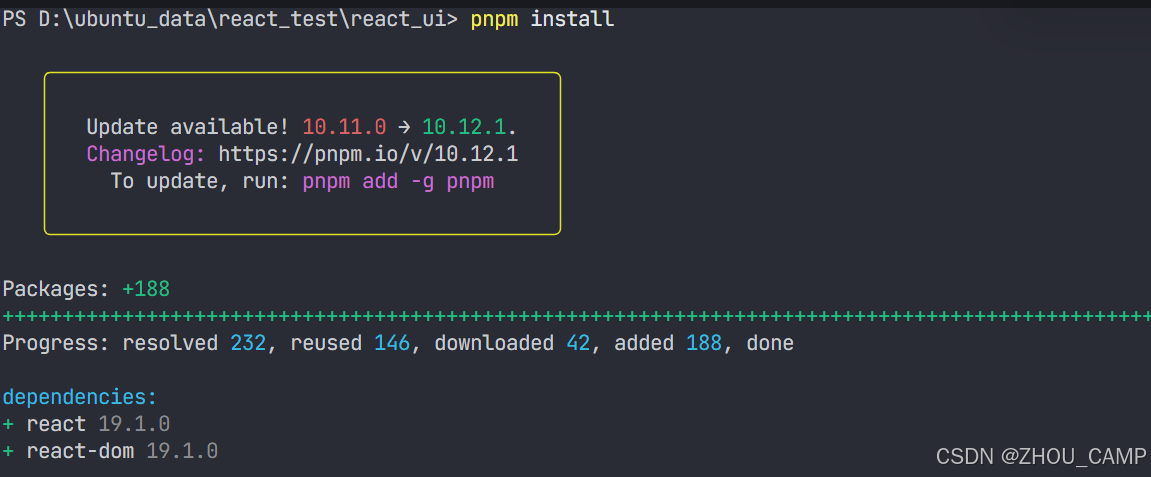
React + TypeScript - 安装依赖:
pnpm install

2. 添加 Tailwind CSS
pnpm add -D tailwindcss postcss autoprefixer
- 修改
src/index.css内容:
@import "tailwindcss";
3. 配置 TypeScript 路径别名
修改 tsconfig.json:
{
  "compilerOptions": {
    "baseUrl": ".",
    "paths": {
      "@/*": ["./src/*"]
    }
  },
  "files": [],
  "references": [
    { "path": "./tsconfig.app.json" },
    { "path": "./tsconfig.node.json" }
  ]
}
修改 tsconfig.app.json:
{
  "compilerOptions": {
    "baseUrl": ".",
    "paths": {
      "@/*": ["./src/*"]
    }
  },
  // ...其他配置
}
4. 配置 Vite 路径别名
- 安装依赖:
pnpm add -D @types/node - 修改
vite.config.ts:import path from "path" import tailwindcss from "@tailwindcss/vite" import react from "@vitejs/plugin-react" import { defineConfig } from "vite" // https://vite.dev/config/ export default defineConfig({ plugins: [react(), tailwindcss()], resolve: { alias: { "@": path.resolve(__dirname, "./src"), }, }, })
5. 初始化 shadcn/ui
pnpm dlx shadcn@latest init
- 按提示配置:

6. 添加并使用组件
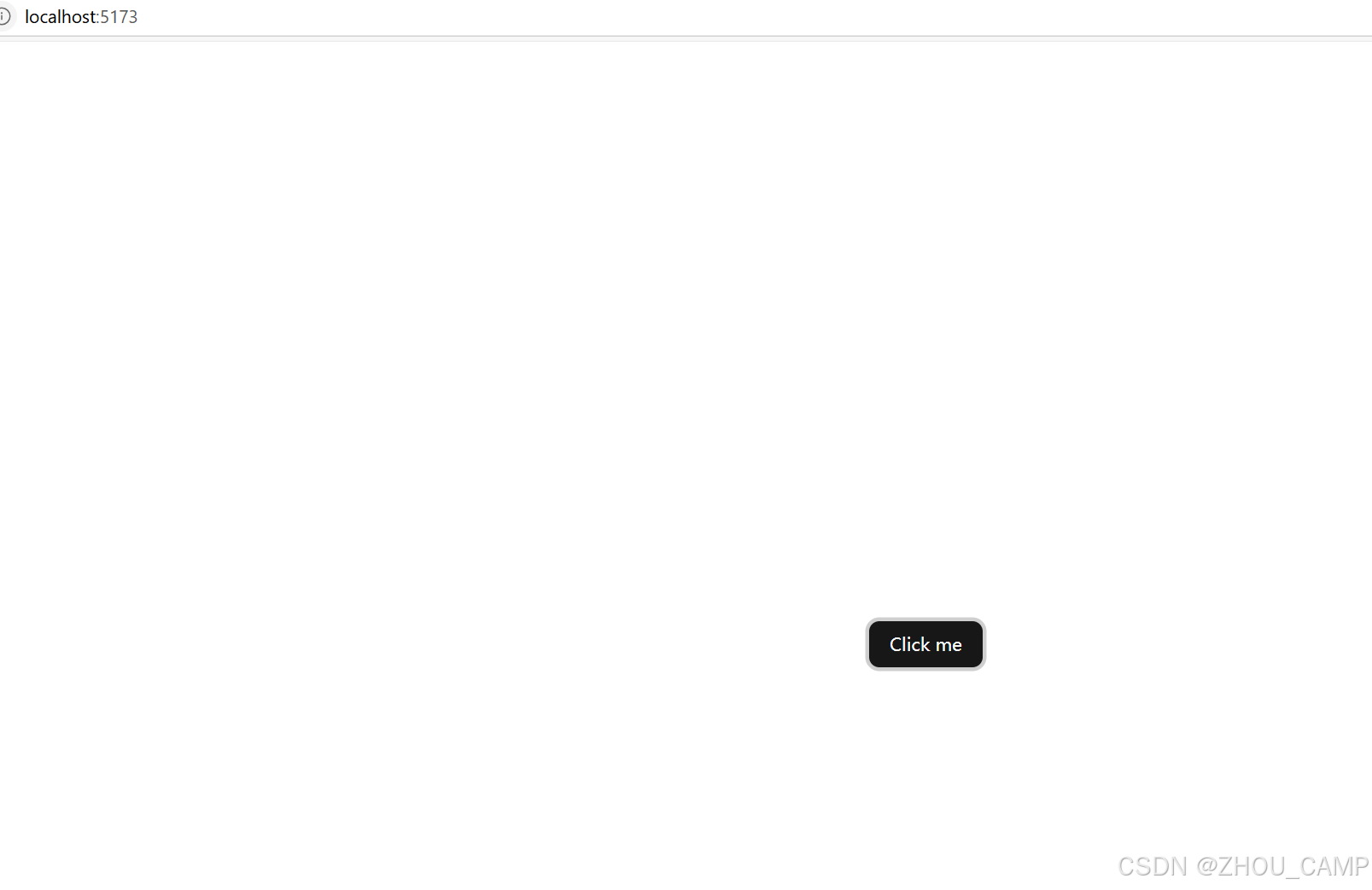
- 添加 Button 组件:
pnpm dlx shadcn@latest add button - 在
src/App.tsx中使用:import { Button } from "@/components/ui/button"; function App() { return (); } export default App;
7. 启动开发服务器
pnpm run dev
更多组件
安装命令(除 button 外)
pnpm dlx shadcn@latest add badge card input scroll-area select tabs textarea
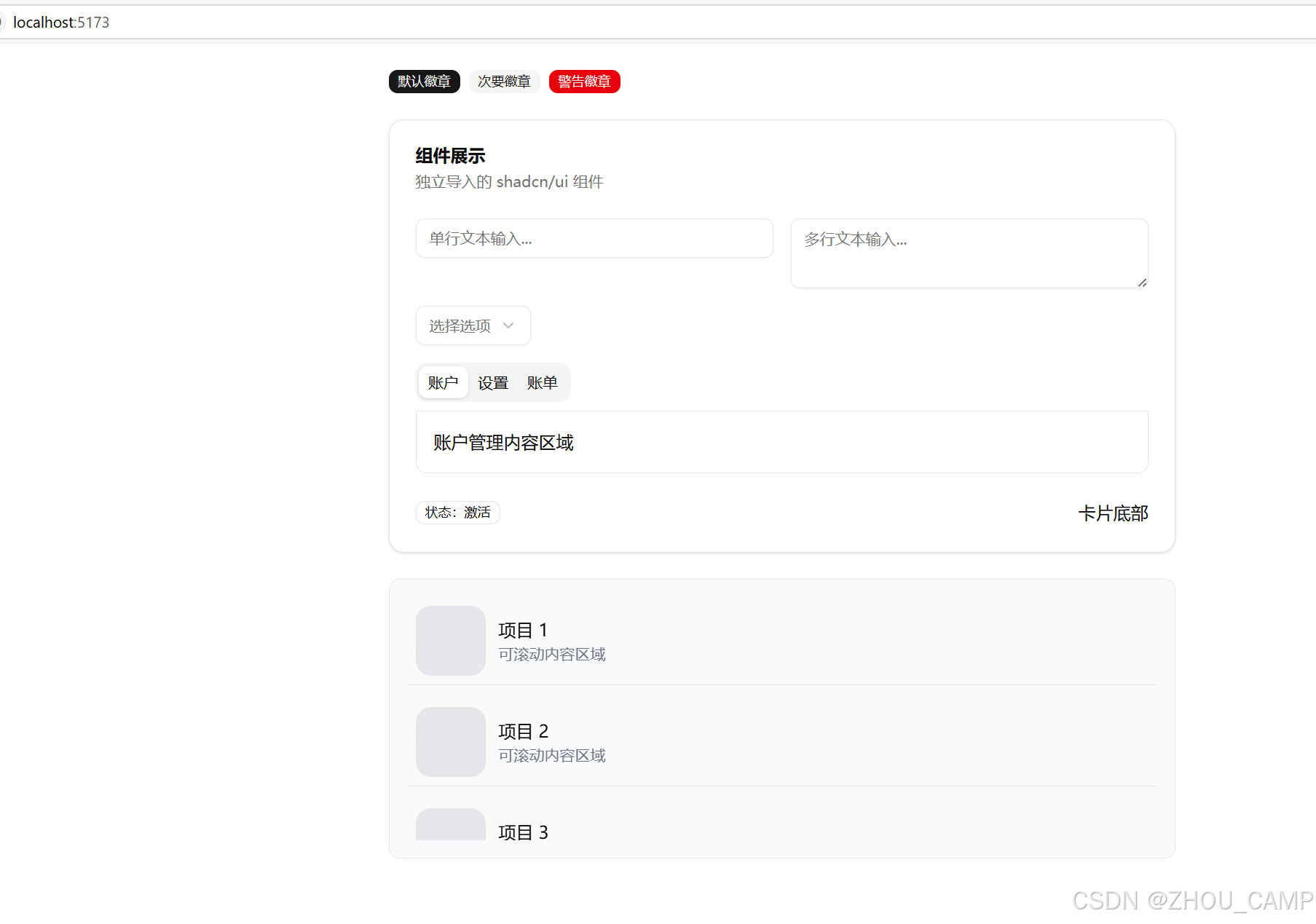
完整使用示例
// 导入所有组件
import { Badge } from "@/components/ui/badge"
import {
Card,
CardHeader,
CardTitle,
CardDescription,
CardContent,
CardFooter
} from "@/components/ui/card"
import { Input } from "@/components/ui/input"
import { ScrollArea } from "@/components/ui/scroll-area"
import {
Select,
SelectTrigger,
SelectValue,
SelectContent,
SelectItem
} from "@/components/ui/select"
import {
Tabs,
TabsList,
TabsTrigger,
TabsContent
} from "@/components/ui/tabs"
import { Textarea } from "@/components/ui/textarea"
function App() {
return (
{/* Badge */}
默认徽章
次要徽章
警告徽章
{/* Card */}
组件展示
独立导入的 shadcn/ui 组件
{/* Input & Textarea */}
{/* Select */}
{/* Tabs */}
账户
设置
账单
账户管理内容区域
系统设置内容区域
账单信息内容区域
状态:激活
卡片底部
{/* Scroll Area */}
{[...Array(50)].map((_, i) => (
项目 {i + 1}
可滚动内容区域
))}
)
}
export default App
启动
pnpm run dev
参考链接:https://ui.shadcn.com/docs/